How to find your largest videos and photos on iPhone
The iPhone Photos app has no way to sort by file size, so there is no built-in list of your largest videos or photos. Settings → General → iPhone Storage shows totals, not individual files. Slean sorts the whole library largest file first, with the exact size printed on every thumbnail.
By Emre, who builds Slean. Updated 1 September 2026.
This is a real gap, not a settings menu you missed. Apple's Photos app has never had a sort-by-size option, for videos or photos. If your storage is full and you suspect a handful of large videos are the cause, there's no built-in screen that just lists them for you, biggest first.
What you can actually do
Settings → General → iPhone Storage
This shows how much space Photos is using in total, alongside every other app. It's a good sanity check — if Photos is 40 GB and everything else is 20 GB combined, you know where to look — but it doesn't break that 40 GB down into individual videos.
Media Types → Videos
Open Photos, go to Media Types, tap Videos. Every video is a thumbnail with its length printed on it, and you can scroll for anything showing a long runtime. This is the closest built-in option to what you want, but length is a proxy for size, not a measurement of it. A shaky nine-minute video at standard resolution might be smaller than a fifteen-second clip shot in 4K at 60 frames per second. You're estimating, not sorting.
The Files app
If you've saved videos into iCloud Drive or a specific folder rather than into Photos — downloaded from Messages, exported from an editing app — the Files app shows file sizes and can sort a folder by size. This only covers files stored there, not your camera roll.
Sort by size, which is the thing you actually wanted
Every option above is an estimate. The direct version is a size sort, and it is the reason Slean exists — it started because I wanted to order my own camera roll biggest file first and the Photos app would not do it.
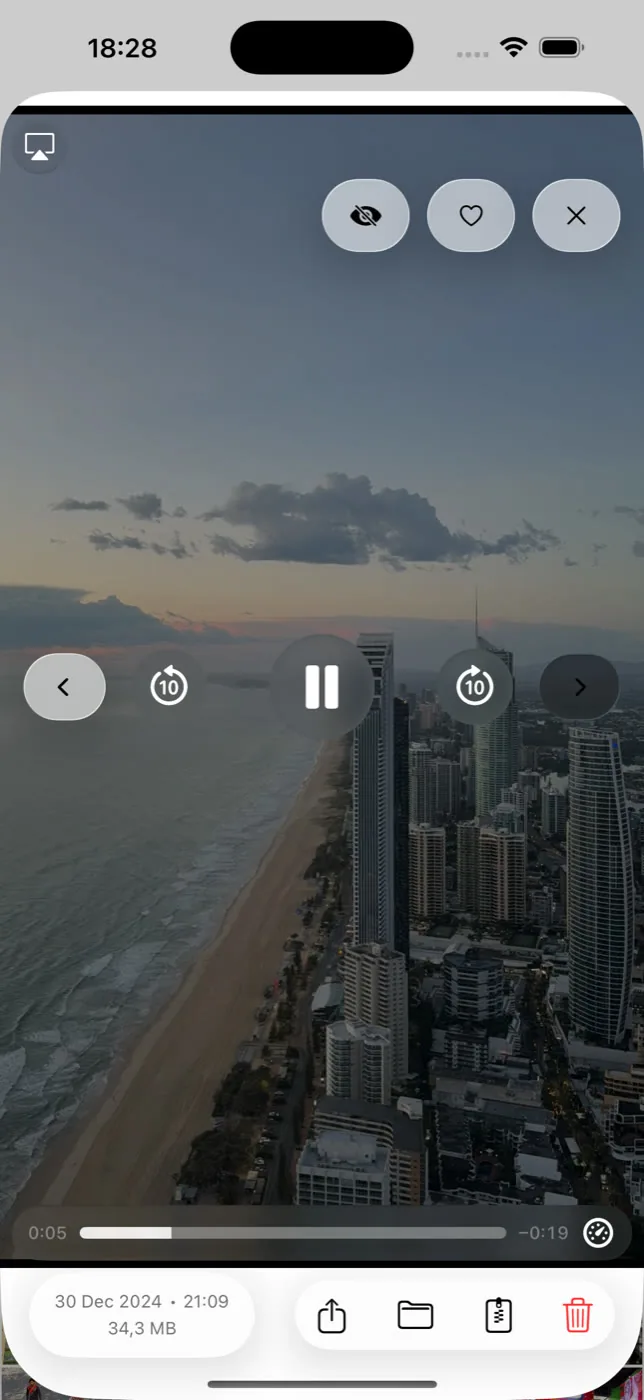
Slean sorts the whole library largest file first, with the exact size printed on every thumbnail. Add the media-type filter and you are looking at nothing but videos, in order, worst offender at the top. Add a size range on top of that — a minimum of 200 MB, say — and the list is only the ones worth acting on. It takes about thirty seconds and it usually turns up three or four clips you had forgotten filming.
What about large photos?
Same gap, smaller stakes. A normal iPhone photo is a couple of megabytes and a thousand of them will not fill a phone the way one long 4K clip does. But there are exceptions worth finding: ProRAW and RAW files can run 25 to 75 MB each, panoramas are enormous, long screenshots of whole web pages are surprisingly heavy, and anything imported from a real camera is in a different weight class from a camera-roll snap.
Photos gives you no way to find these either — there is no size column, no sort, and no filter. The same size sort answers both questions at once: set the media filter to photos, order largest first, and the RAW files and panoramas come to the top. If you shoot ProRAW and have never looked at this, it is usually a surprise.
Compressing instead of deleting
Not every large video is disposable. If it's a video you actually want to keep — a kid's first steps, a performance — compressing it can return most of the space without giving up the file.
Slean's compression shows a size preview before you commit, and you choose whether to keep the original alongside the compressed version or replace it. That choice matters: replacing is where the space actually comes back, but it's also the point where you lose the source file, so it's worth being sure first.
What compression costs: it reduces bitrate, which shows up most in motion and low light — footage that was already slightly soft or dim will look softer or dimmer after. Fast motion can pick up compression artefacts it didn't have before. For a video you'll watch on a phone screen, this is rarely noticeable. Blown up on a TV, or if you plan to edit the footage later, it's a real trade-off, not a free win.
Android hides its large files in a different place, and the order of what to clear first is worth following there too. Here is the Android version.
Questions people actually ask
- How do I find my largest photos on iPhone?
There is no built-in way. The Photos app shows no file sizes and offers no size sort or size filter for photos, and Settings → General → iPhone Storage only reports totals per app. Sorting the library by file size in a third-party app such as Slean is the direct route, and it usually surfaces ProRAW files, panoramas and full-page screenshots first.
- Can I sort videos by file size in the Photos app?
No. Photos has no sort-by-size option for photos or videos, and never has. The closest built-in option is Media Types → Videos, which shows length on each thumbnail, but length only roughly tracks file size. A third-party app such as Slean, which sorts the library largest file first, is the only way to get an actual size order on iPhone.
- Does a longer video always mean a larger file?
Not necessarily. Resolution and frame rate matter as much as length. A short clip shot in 4K at 60 frames per second can be larger than a much longer video shot at standard resolution.
- Does compressing a video lose quality permanently?
If you replace the original, yes — the higher-quality source is gone. Slean lets you preview the size saving first and choose to keep the original alongside the compressed copy instead of replacing it, if you want to decide later.
- Where do videos downloaded from Messages or the internet show up?
If you saved them into Photos, they appear under Media Types → Videos like anything else. If they're sitting in the Files app or iCloud Drive instead, they won't appear in Photos at all — check Files separately.
- Is it better to delete a large video or compress it?
Delete if you don't need the video at all — that recovers the full size. Compress if it's something you want to keep; you give up some quality but keep the memory, and the size preview in Slean shows the trade before you decide.
Sources
Related reading
- iPhone storage full? Delete these first, in this orderNot everything you could delete returns the same amount of space. Here's the order that actually works, from long videos down to app caches.
- Best photo cleaner app for iPhone: five names, and how to choose between themFive iPhone photo cleaners compared on what their listings let anyone check: privacy label, cost, what they find. Plus the two-minute test for which kind you need.
- How to free up iPhone storage without deleting photosReal options that don't touch your library, where each one runs out, and why removing four near-identical shots of one moment isn't really the loss it feels like.
- How to delete screenshots on iPhoneScreenshots pile up faster than almost anything else in your library, and they're the safest bulk delete you can make. Here's how to clear hundreds in a few taps.
- Android storage full? Here is what to delete, in orderLong videos first, then messaging-app media, then screenshots, then duplicates, then caches. The order matters more than the effort you put in.
Slean sorts your library largest file first — the thing Photos will not do — and shows the exact size on every video.

