"Free up space" in Google Photos does not clean anything
Free up space in Google Photos deletes the copies stored on your phone for photos already backed up to your account. The photos stay in Google Photos and still count against your Google storage. It frees phone storage without removing a single photo from your library — useful, but not cleaning.
By Emre, who builds Slean. Updated 1 September 2026.
This one button causes more confusion than any other part of phone photo storage, and the confusion runs in both directions. Some people press it expecting a tidy library and get the same forty thousand photos back. Others avoid it for years because they are afraid it deletes their memories.
Neither reading is right.
What the button does
Google Photos keeps two things: the copy on your phone and the copy in your Google account. When a photo has finished backing up, the phone copy is redundant. Free up space finds every photo in that state and deletes the phone copy.
Afterwards, the photo is still in Google Photos. You still see it in the app, you can still open it, and it still counts against your Google storage. What changed is that your phone got its gigabytes back and the photo now streams from the cloud instead of sitting in local storage.
That is a genuinely good feature. It is the single fastest way to recover space on an Android phone, and it is free. Just be clear about what it is: it is offloading, not cleaning.
Two things it does not do
It does not reduce the number of photos you have. If you had six near-identical shots of the same dog before, you have six after. Scrolling your library is exactly as long as it was.
It does not free Google storage. That quota is about the cloud copies, and the cloud copies are untouched. If the message you are actually seeing is that your Google account is full, this button does nothing for you at all.
| What you want | Free up space | What actually helps |
|---|---|---|
| Phone storage is full | Works well | Also worth checking large videos and app caches |
| Google account storage is full | No effect | Delete photos from the library, or buy more storage |
| Library is a mess to scroll | No effect | Remove duplicates and near-identical shots |
| Photos are gone from the phone and you are offline | This is why | Re-download, or keep originals on device |
The offline surprise
The one real downside shows up later. Once local copies are gone, opening an old photo needs a connection. On a plane, on a bad train line, or abroad without data, a library that felt complete suddenly shows spinning thumbnails.
Nothing is lost, and the photos come back the moment you are online. But if you rely on having your photos with you, run Free up space knowingly rather than as a reflex every time storage gets tight.
When you actually wanted to clean
If the problem is that your library is full of things you do not want — four takes of the same photo, screenshots from 2021, a nine-minute video of a car park — then no amount of offloading helps. Those photos have to leave the library.
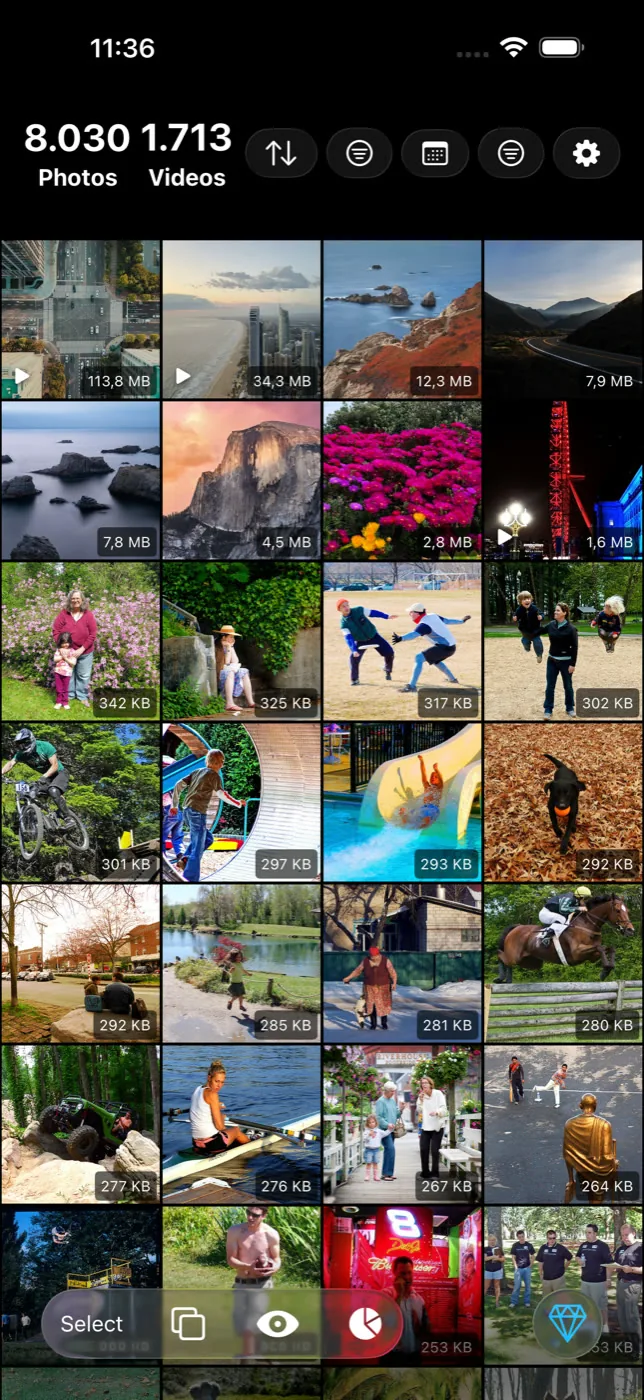
That work is: find the near-identical shots and keep one, clear the screenshots, and find the handful of very large videos that quietly account for most of the space. On Android, Slean does those three passes on the phone, groups what it finds, and shows you the group before anything is deleted.
Order matters. Clean first, then back up, then free up space. Doing it the other way round means you back up the clutter and then offload it, which achieves nothing except a fuller Google account.
Questions people actually ask
- Does Free up space delete my photos?
It deletes the copies stored on your phone, not the photos themselves. Anything already backed up stays in Google Photos and stays in your Google account. Photos that have not finished backing up are skipped.
- Does Free up space help when Google storage is full?
No. It only touches local copies on the phone. The cloud copies and your Google storage quota are unaffected. To reduce Google storage you have to delete photos from the library itself or buy more space.
- Can I get the photos back onto my phone afterwards?
Yes. Opening a photo re-downloads it, and you can save a copy back to the device from the share menu. You need a connection to do it, which is the main practical cost of running Free up space.
- Why is my phone still full after using Free up space?
Usually because the space is somewhere else: videos that were never backed up, downloads, WhatsApp media folders, or app caches. It is also worth checking whether backup finished — photos that are still queued are not eligible to be removed.
- Should I clean my photos before or after backing up?
Before. Backing up first means the duplicates and rejected takes are copied into your Google storage, where they count against your quota whether or not you later remove the local copies.
Sources
Related reading
- Duplicate photos and similar photos are not the same problemA duplicate is a second copy of one photo. A similar photo is a different photo that looks close to it. Most phones only find the first kind.
- What the iPhone's Duplicates album finds, and what it quietly skipsThe Photos app has a built-in duplicate finder. It works well, it is free, and it only looks for copies. Here is where it stops and what to do about the rest.
- What Slean isSlean is a photo and video cleaner for iPhone and Android. It sorts by size, groups duplicates and near-identical shots, and runs on the phone.
Clean first, then offload. Slean is the cleaning pass: near-identical shots, screenshots and the videos actually eating your storage.

