Most photo cleaner apps don't upload your photos, but that isn't the whole question
Most photo cleaner apps, including Slean, compare your photos on the device and never upload your library — the comparison itself doesn't need a server. But 'doesn't upload photos' isn't the same as 'collects nothing.' Check the App Store privacy label, the permissions requested, and whether the app needs an account before trusting it with your library.
By Emre, who builds Slean. Updated 1 September 2026.
A photo cleaner has to look at every photo in your library to do its job — there's no way around opening a file to compare it against another one. What isn't fixed is where that comparison happens. It can happen on the chip in your hand, or it can happen after the photo has been sent somewhere else.
Most cleaners choose the first option, and for a mundane reason: it's simpler and faster to run the comparison locally than to upload gigabytes of photos and wait for a server to answer. But 'most' isn't 'all', and 'doesn't upload photos' isn't the only privacy question worth asking.
What a cleaner actually has to do
Finding duplicates and near-identical shots means reading the photo library and comparing how images look, group by group. That's a computation, not a network request. A phone released in the last several years has more than enough processing power to run it without ever touching Wi-Fi or mobile data.
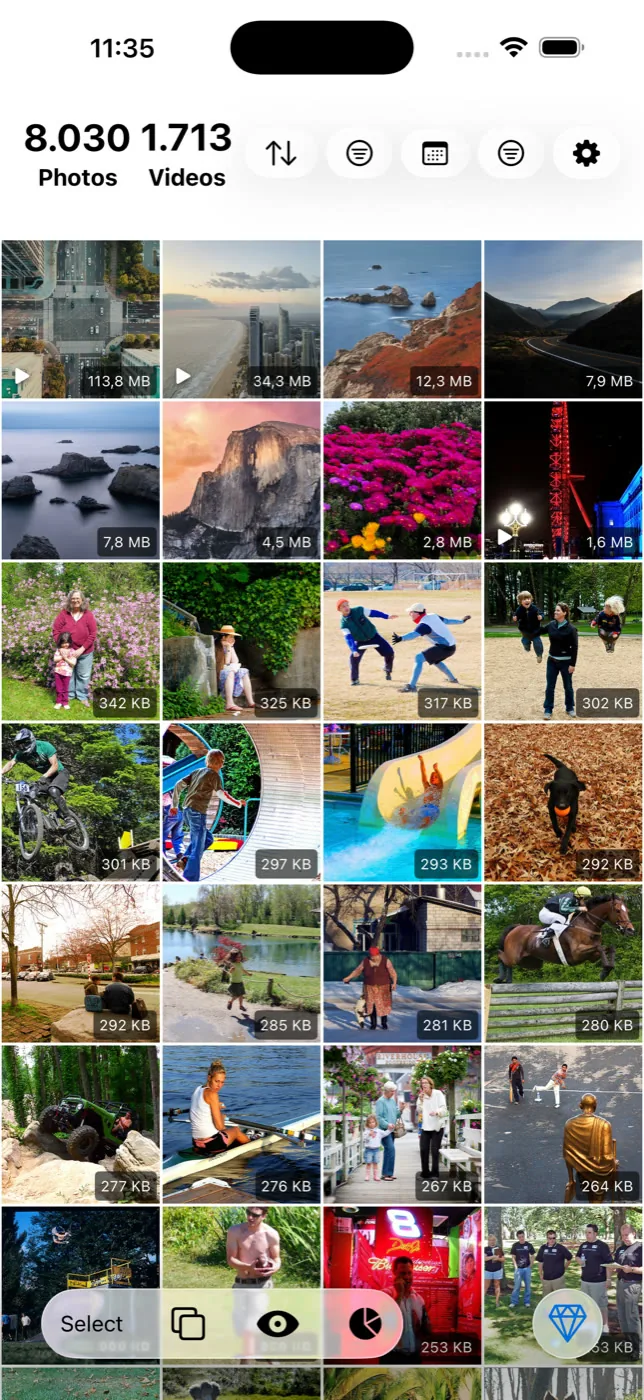
Slean's matching runs this way. Duplicate and similar detection is built for the app rather than borrowed as a general-purpose library, and it runs against the photos already on your phone. Nothing about comparing two images requires either of them to leave the device first.
Local processing and something else can both be true
This is the part that gets missed. An app can genuinely scan your library on the device and still send analytics about how you use it, carry an advertising SDK that reports on your behaviour, or ask you to create an account before it will let you in. None of that involves uploading your photos, so a developer can say "100% on-device" and mean it narrowly, while the rest of the app does other things with your data.
Neither is automatically bad — a crash report with no photos in it is a normal, low-risk thing for an app to send. The problem is when "on-device" is used as the whole answer to "is this app private", when it only ever answered one part of that question.
How to actually check
- Read the App Store privacy label. Every iOS app has an App Privacy section on its store listing, and every Android app has a Data safety section on Google Play. Both say what the developer declares the app collects. How to read one properly.
- Look at what it asks permission for. A cleaner needs photo library access. It has no legitimate reason to ask for contacts, your precise location as a standing permission, or the microphone.
- Notice whether there's a login screen. Cleaning a library that already lives on your phone doesn't require knowing who you are. An account is usually there for something else — sync, a web dashboard, or tying usage to an identity.
Where Slean stands
Slean reads your photo library on the device to run its scans and does not upload that library to a server to be cleaned. There is no account, no sign-in, no ads and no advertising SDK. The privacy page has the longer version, the privacy policy is the formal document, and what Slean does more broadly covers the rest of the app.
What this doesn't guarantee
A privacy label is written by the developer, not audited line by line against the app's code, so it's a strong signal rather than proof. That's true of Slean's label as much as anyone's. The practical way to test the on-device claim directly, rather than take a label on faith, is running a scan in airplane mode — a genuinely local scan keeps working with the network off.
Questions people actually ask
- Does a photo cleaner need internet access to find duplicates?
No. Comparing photos that are already on the phone is a local computation. An app might still want a connection for something else, like checking for updates or an optional feature, but the scan itself doesn't require it.
- Is it normal for a photo cleaner to ask for full photo library access?
Yes, and it's the one permission the app genuinely needs to do its job. What's worth questioning is any permission unrelated to photos — contacts, calendar, or background location — showing up in the same request.
- Does 'no ads' mean an app collects no data?
No, they're separate claims. An app can be ad-free and still collect usage analytics, or run ads and collect very little. Check the privacy label for what's actually declared rather than inferring it from the absence of ads.
- Does Slean send my photos anywhere?
No. Scanning, grouping, filtering, compression and the photo tools all run on the device. Slean has no server holding your library and no account to attach one to.
- Can I tell if an app is uploading my photos just by watching it work?
Not reliably from the interface alone, but a network test is a good proxy: turn on airplane mode and run a scan. Detailed steps are on the [airplane-mode test page](/privacy/clean-photos-without-uploading-them).
Sources
Related reading
- How to read the privacy label on a photo cleaner's store listingPrivacy labels are developer-declared, not audited — but they're still the fastest real check on any app. What each term means and what to look for.
- How to clean up your photos without uploading them anywhereThe iPhone and Android's own tools already do this locally. For a third-party cleaner, the airplane-mode test is how to check — and it takes thirty seconds.
- Photo cleaner apps raise two different safety questions, not one"Safe" usually means two different things: will it leak your photos, and will it delete something you wanted. The answers, and the risks, are not the same.
Slean reads and compares your photos on the device. Your library is not uploaded, there is no account, and nothing is shared with third parties.

