How to clean up your photos without uploading them anywhere
The iPhone's Duplicates album and Android's Files by Google both scan for copies on the device, with no upload involved. A third-party cleaner can do the same if it is built to run entirely on the phone. The way to check any of them is the airplane-mode test: turn on airplane mode and run a scan.
By Emre, who builds Slean. Updated 1 September 2026.
Comparing two photos that are already sitting on your phone doesn't need a network connection — there's nothing on the other end of that connection the comparison requires. That's the whole basis for cleaning locally, and rather than take a developer's word for it, it's a claim you can test yourself in under a minute.
What the built-in tools already do locally
Before installing anything, it's worth knowing the free option already does part of this job on-device. The iPhone's Duplicates album analyses your library in the background, mostly while the phone is locked and charging, and needs no separate app or account. Android splits the equivalent across Files by Google's duplicate-files card and, on Samsung phones, My Files — both run their scan on the device too.
Neither catches near-identical shots, bursts or retakes, which is the gap a third-party cleaner exists to fill. But for exact duplicates specifically, the built-in tool is free, it's already on the phone, and it's worth running first.
What a third-party app needs to work offline
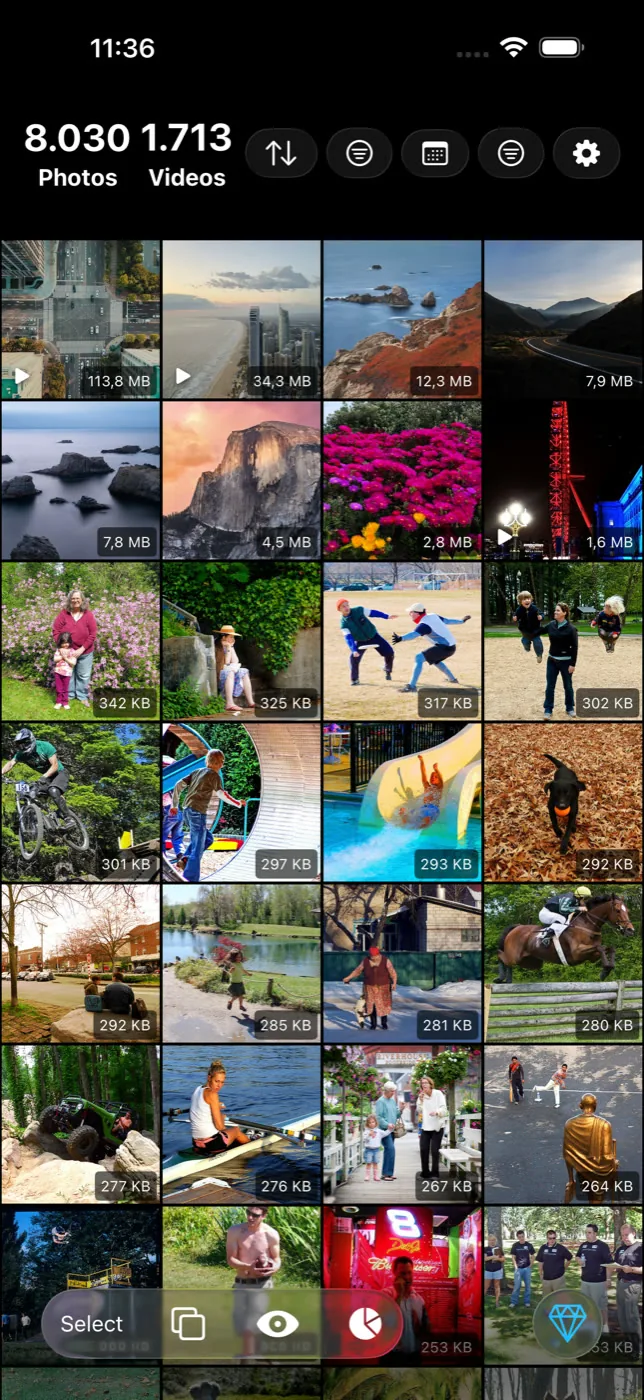
For a cleaner to genuinely run without a network connection, three things have to be true: the matching itself has to happen on the device rather than on a server, the app can't require a live account check to unlock scanning, and it can't depend on syncing a job queue somewhere before it starts. Slean is built this way — reading the library, comparing images, grouping results, deleting and compressing all happen on the phone.
The airplane-mode test
This is the one check on this whole site worth doing yourself rather than reading about. It takes about thirty seconds and it tests the actual claim directly, instead of a label or a description of one.
- 1Open Settings and turn on Airplane Mode — or just switch off Wi-Fi and mobile data if you'd rather leave calls working.
- 2Open the photo cleaner app.
- 3Start a scan. Pick a single album or a small filter first, so you're not waiting on a huge library either way.
- 4Watch what happens. A genuinely on-device cleaner scans and groups results normally, network icon or no network icon.
- 5If it stalls, spins indefinitely, or prompts you to reconnect before it will scan, that part of the app isn't running locally.
- 6Turn airplane mode back off when you're done.
What the test doesn't prove
This test proves the scan itself isn't sending data out live. It doesn't prove nothing gets queued to send once you reconnect. For that half, pair it with a privacy label check — the two together cover more than either alone.
Questions people actually ask
- Does airplane mode stop a cleaner app from working at all?
No — only the parts that genuinely need a connection stop, which is the point of the test. Scanning, grouping, filtering and deleting should all keep working. Something like checking for an app update, or a feature that explicitly needs the internet, is expected to fail.
- Does Google Photos 'Free up space' work in airplane mode?
Not usefully — it only removes local copies of photos already confirmed backed up, so it needs a connection to check that status first. That's a different feature from cleaning; [what it actually does is covered here](/google-photos-free-up-space).
- Do I need to download an app to find duplicates on my phone?
Not for exact duplicates. iPhone has a built-in Duplicates album and Android has Files by Google's duplicate-files card, both running locally with no extra app. A third-party cleaner earns its place on near-identical shots and large files, which neither built-in tool finds.
- If I turn off airplane mode afterward, will backups pick up where they left off?
Yes. iCloud Photos and Google Photos backup pause while there's no connection and resume automatically once you turn Wi-Fi or data back on — nothing about the test interferes with that.
- Can an app pass the airplane-mode test and still track me when it's online?
Yes, that's the test's real limit — it only proves the scan runs locally, not that the app never phones home for anything else. Combine it with the [privacy label](/privacy/app-store-privacy-label-photo-cleaners) and a check for [ads and trackers](/privacy/photo-cleaner-without-ads-or-trackers) for the fuller picture.
Sources
Related reading
- Most photo cleaner apps don't upload your photos, but that isn't the whole questionMost cleaners process photos on the device and never upload them. But local processing and data collection are two different things — here's how to tell them apart.
- Photo cleaner apps raise two different safety questions, not one"Safe" usually means two different things: will it leak your photos, and will it delete something you wanted. The answers, and the risks, are not the same.
- How to read the privacy label on a photo cleaner's store listingPrivacy labels are developer-declared, not audited — but they're still the fastest real check on any app. What each term means and what to look for.
Slean's scans, grouping and deletion all run without a connection — turn on airplane mode and see for yourself.

